
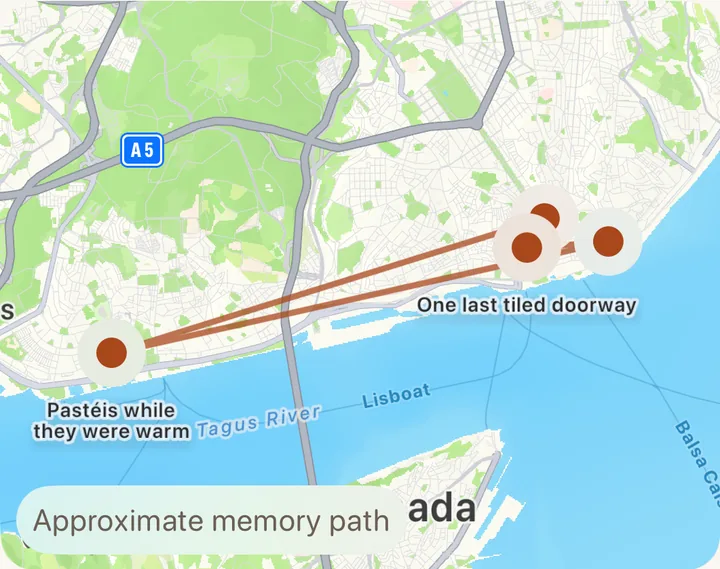
Every stop on one map
Moments with a location get a pin. The line joining them runs between the places you took photos, and the app labels it as an approximate path.
Travel memories for iPhone
Pick the photos from a trip. Kindling sorts them by time and place, pins them on a map, and leaves room for what the photos missed: the song in the bar, the name of that café, who made you laugh.
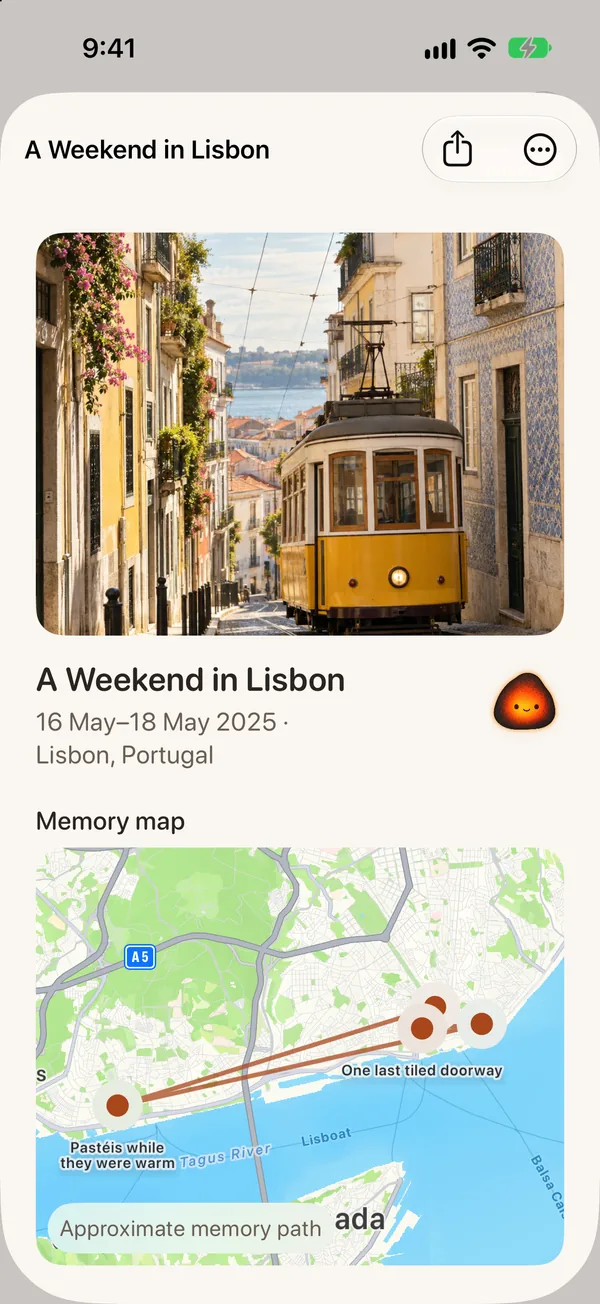
Two years after Lisbon, you still remember the tram. Everything else is somewhere in your camera roll, between a parking receipt and forty screenshots.
How it works
You start from photos you already took. Kindling does the sorting, and you decide what stays.
Use the iPhone photo picker to choose a trip's photos and videos. Kindling receives those and nothing else from your library.
Photos taken close together become a moment. Rename the trip, pick a cover, fix a wrong date, or merge two moments that belong together.
Kindling asks one small question at a time, like what surprised you or what the street sounded like. Answer it, record a voice memo, or skip ahead.
The sample trip
This trip comes with the app, so you can look around before choosing any photos of your own. Each moment keeps its time, its pin on the map, and the note written for it.

The bell echoed through the narrow street.

Flaky, cinnamon-dusted, and gone too quickly.

We stayed after the music started below us.

A small detail I would have forgotten without the photo.
Months later
You'll open a trail again when a friend is heading to Lisbon and asks where you had those tarts. It should take seconds to find.
Moments with a location get a pin. The line joining them runs between the places you took photos, and the app labels it as an approximate path.
Type a place, a word from a note, a tag, or a trip name. Search runs on your iPhone.
Keep up to two minutes of audio with any moment. Tag who you were with, and mark whether you'd go back.
Turn these on and Kindling sends an old moment back to you at a time you pick. The lock screen only says a postcard is ready, so the details wait until you open the app. Moments marked sensitive are skipped.
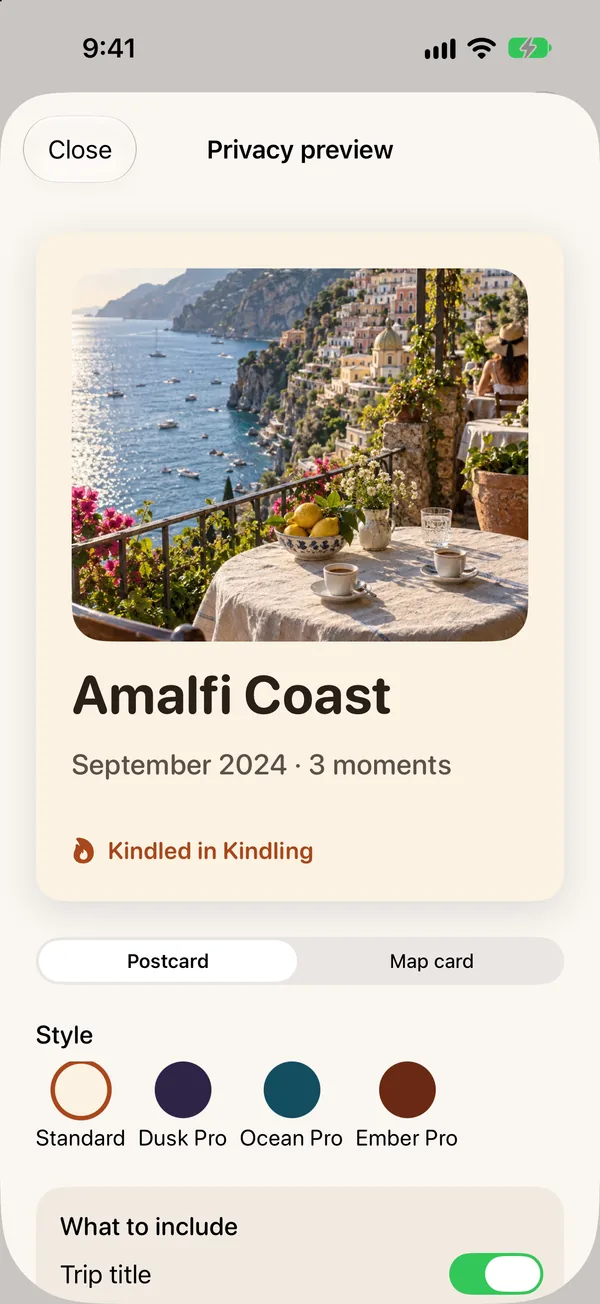
Privacy
Kindling Pro
Kindling is free, and your first two trips get everything: the trail, the map, Sparks, voice memories, search, and standard postcards. Pro is for the third trip onward.
Pay monthly, yearly, or once for Lifetime. Apple shows the price for your country before you buy. If a subscription ends, every trip you saved stays in the app. Read the terms.


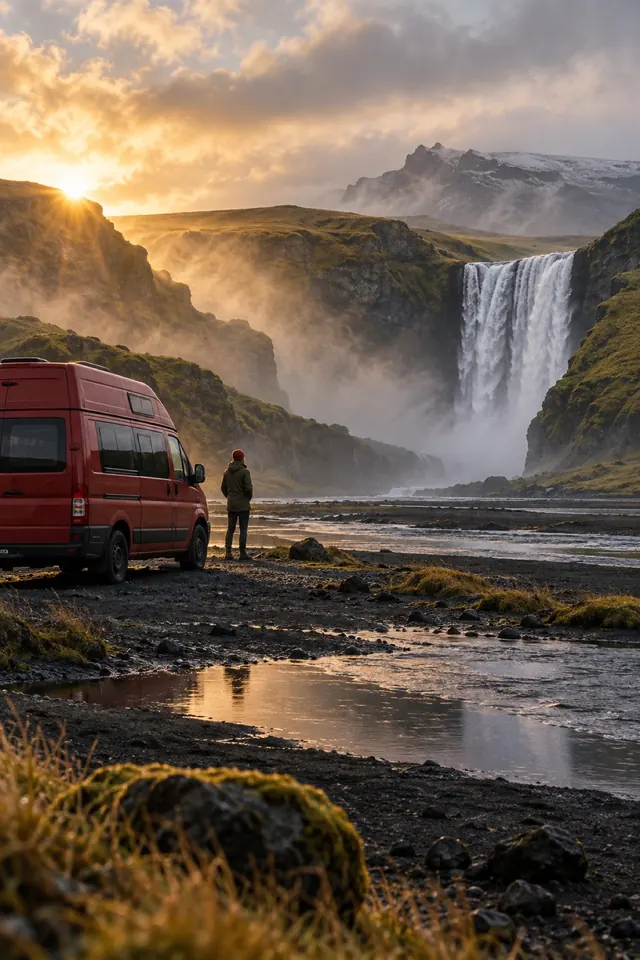
Who it's for
The album hasn't been opened since. Pick the forty that matter and see the whole trip in order.
Search the note you left on that moment, or find its pin on the map.
Kindling asks one question at a time. Skip as many as you like. The trip is complete either way.
Send them a postcard with only the details you chose to include.
Which trip would you open first?
Free on iPhone with iOS 17 or later